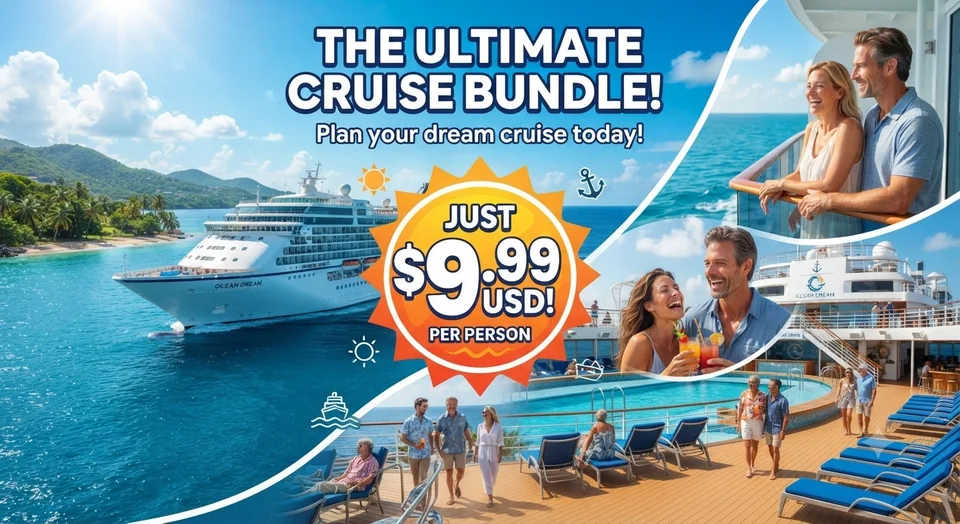
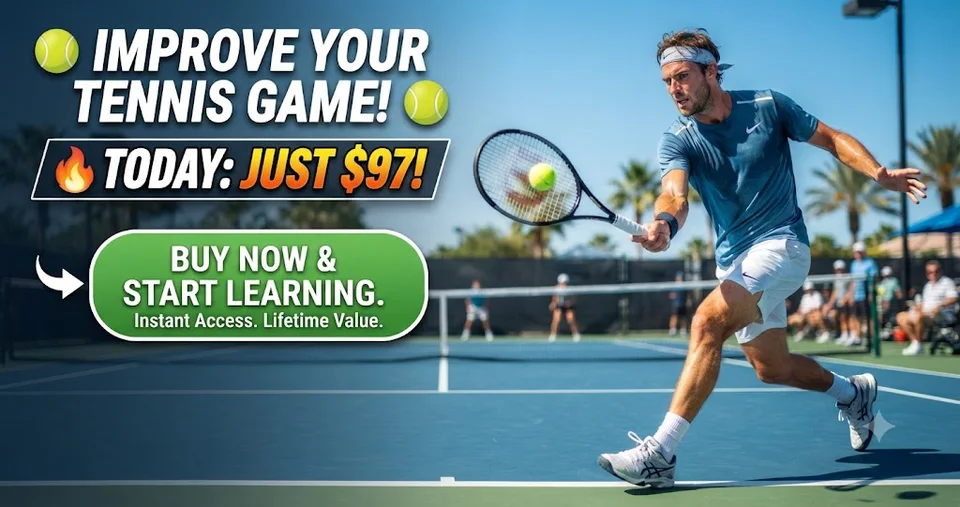
Studio-quality images, on any background you choose
PixMuse AI turns headshots, product photos and lifestyle shots into polished visuals ready for launch — then builds the adverts around them. Branded colour grading, cinematic lighting and social-first framing, without the studio overhead.
- Photorealistic visuals tailored to your brand guidelines.
- Instant marketing assets for ecommerce, social and ads.
- Private by default — uploads are never public unless you share them.
- No prompt engineering: choose a preset and generate.
- Turnaround
- Under 30s
- Output
- 2K
- Ad placements
- 10 sizes
Style library
Choose a signature look
Curated prompt stacks tuned for portraits, product photography, lifestyle scenes and social-ready imagery.
Ad Hero: Copy-Safe Negative Space
Composed deliberately to leave room for headline text.
Open in studioConfident Contrast: Cinematic B&W Portrait
High-contrast monochrome studio portrait with a single hard key light.
Open in studioDubai Yacht Life: High-Gloss Editorial
Sun-drenched luxury lifestyle with polished chrome and deep blues.
Open in studioHollywood Portrait: Soft Key Light
Classic glamour lighting with a large soft source and gentle fill.
Open in studioFrom one photo to a full advert set
Ad Studio takes any render and turns it into finished creative: Claude writes headline, subhead and CTA options in your brand voice, your brand kit locks the colours and type, and every placement exports at its exact published pixel size.
- AI copy in your voiceMultiple distinct persuasion angles per brief — not one line reworded.
- Brand kitsColours, type and logo applied consistently across every size.
- A/B variant setsGroup variants together and export the whole test in one click.
- Exact platform sizesMeta, Google Display, LinkedIn, X, Pinterest and email headers.
Exports every placement
Instagram / Facebook feed
1080×1080
Instagram portrait
1080×1350
Story / Reel
1080×1920
Leaderboard
728×90
Medium rectangle
300×250
Half page
300×600
X / Twitter post
1600×900
LinkedIn single image
1200×627
Pinterest pin
1000×1500
Email header
1200×400
Why teams choose PixMuse
Brand-consistent visuals, without the reshoot
Automate retouching, apply cinematic colour recipes, and scale imagery without complex prompt engineering.
Brand-safe presets
Curated looks written by creative directors keep every image aligned with your visual identity.
Fast delivery
2K renders from any device, with nothing to install and no queue for paid plans.
Private pipeline
Uploads are stored outside the public web root and served only to their owner.
Ad-ready output
Send any render straight into Ad Studio and export every placement size at once.
Where it lands hardest
Built for content operations
Launch visuals across your marketing stack — from product pages to executive profiles — without scheduling or studio fees.
Ecommerce & catalogue
Swap backgrounds and relight product shots faster than booking a reshoot.
Brand storytelling
Cohesive founder, team and UGC imagery that actually looks like your brand.
Paid social testing
Produce a dozen scroll-stopping variants to test offers, hooks and messaging.
Agencies & studios
Give clients on-demand visuals and expand retainer value with automation.
FAQ
Frequently asked questions
What is PixMuse AI?
An image generation studio that turns any photo — a portrait, a product shot, a lifestyle scene — into branded visuals using curated AI styles, then builds finished adverts from them. Every asset matches your creative direction without prompt engineering.
Do I need design or prompt experience?
No. Pick a preset, upload a source image, and generate. Custom instructions are optional, and Ad Studio writes headline options for you.
How do credits work?
Each render costs 1 credit. New accounts get 20 free credits so you can try the whole workflow before paying. Credits roll over and you can top up at any time.
What happens to my uploads?
Source files and renders are stored outside the public web root and served only through an authenticated route to their owner. Generated images are retained for 7 days by default.
Can I use the output in paid advertising?
Yes — that is what Ad Studio is for. It exports at each platform's exact published pixel dimensions so creatives are not re-scaled on upload.
Start with 20 free credits
No card required. Generate your first brand-ready image and advert set in a couple of minutes.
Questions? Talk to support